
Found
A private photo + GPS memory for the things you put down.
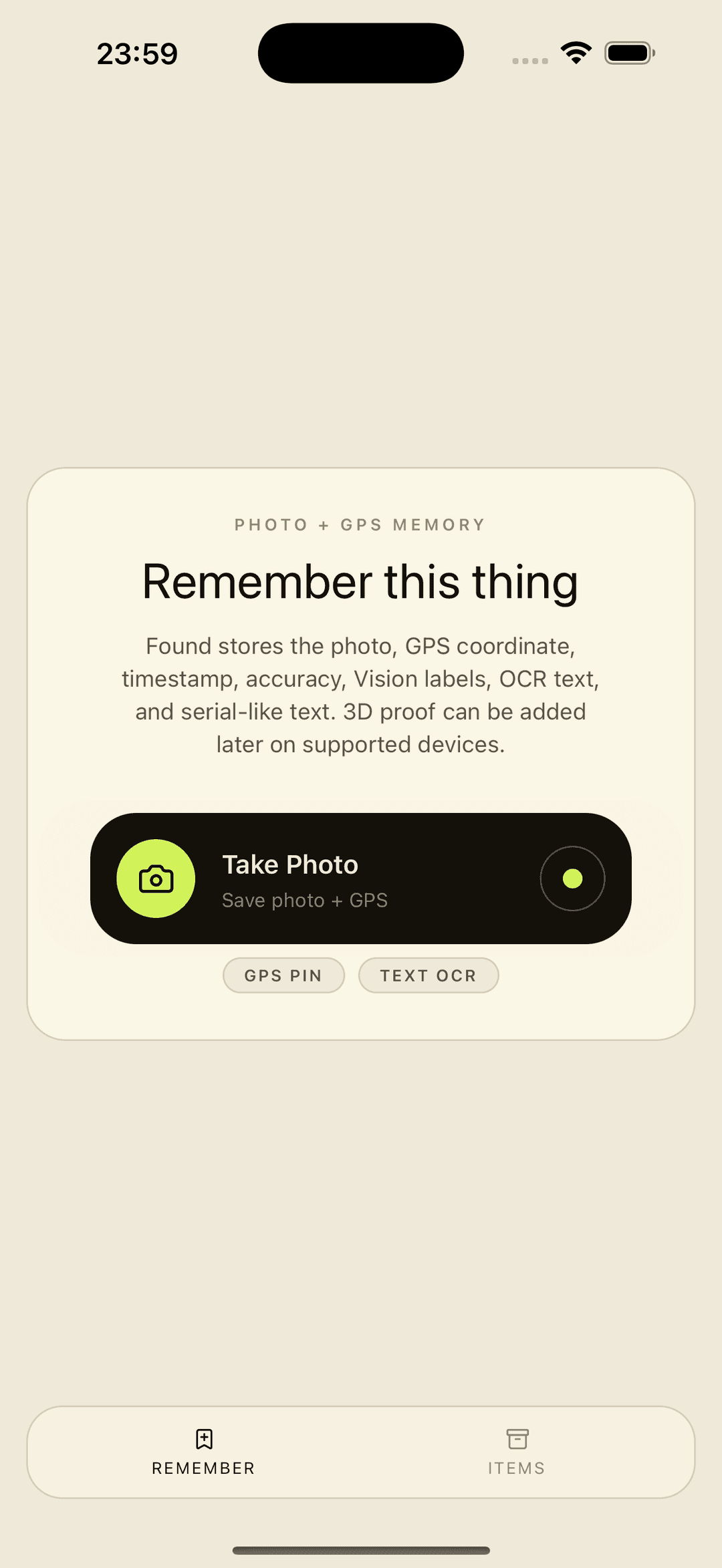
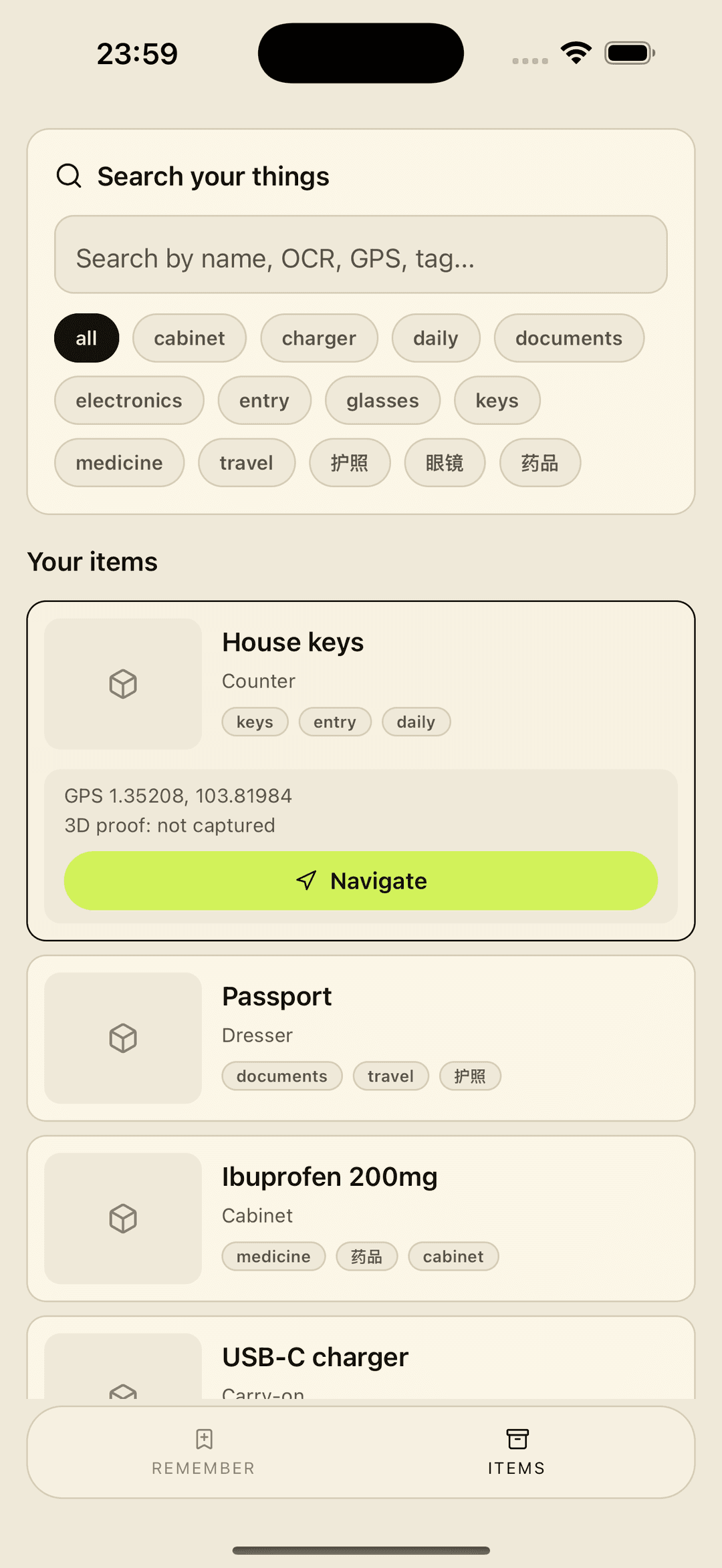
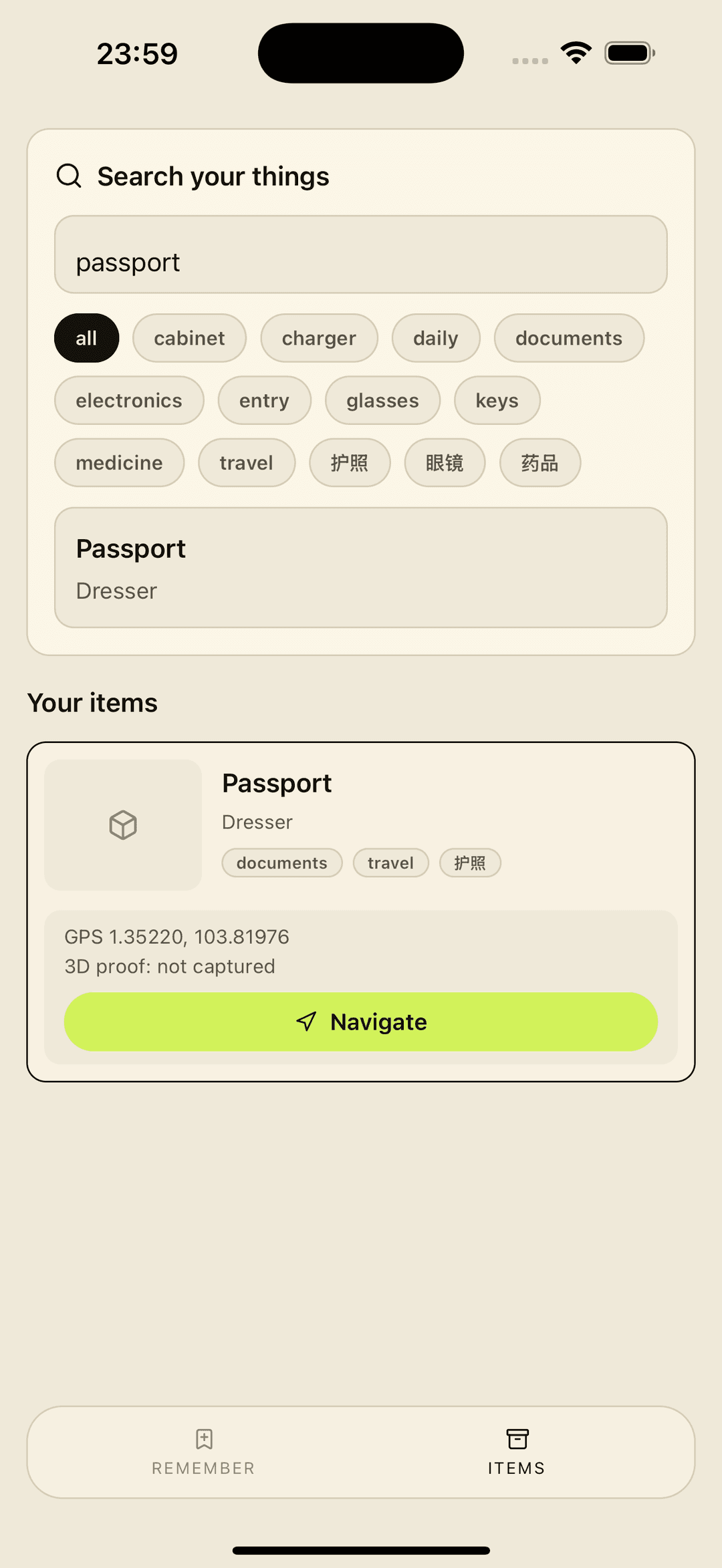
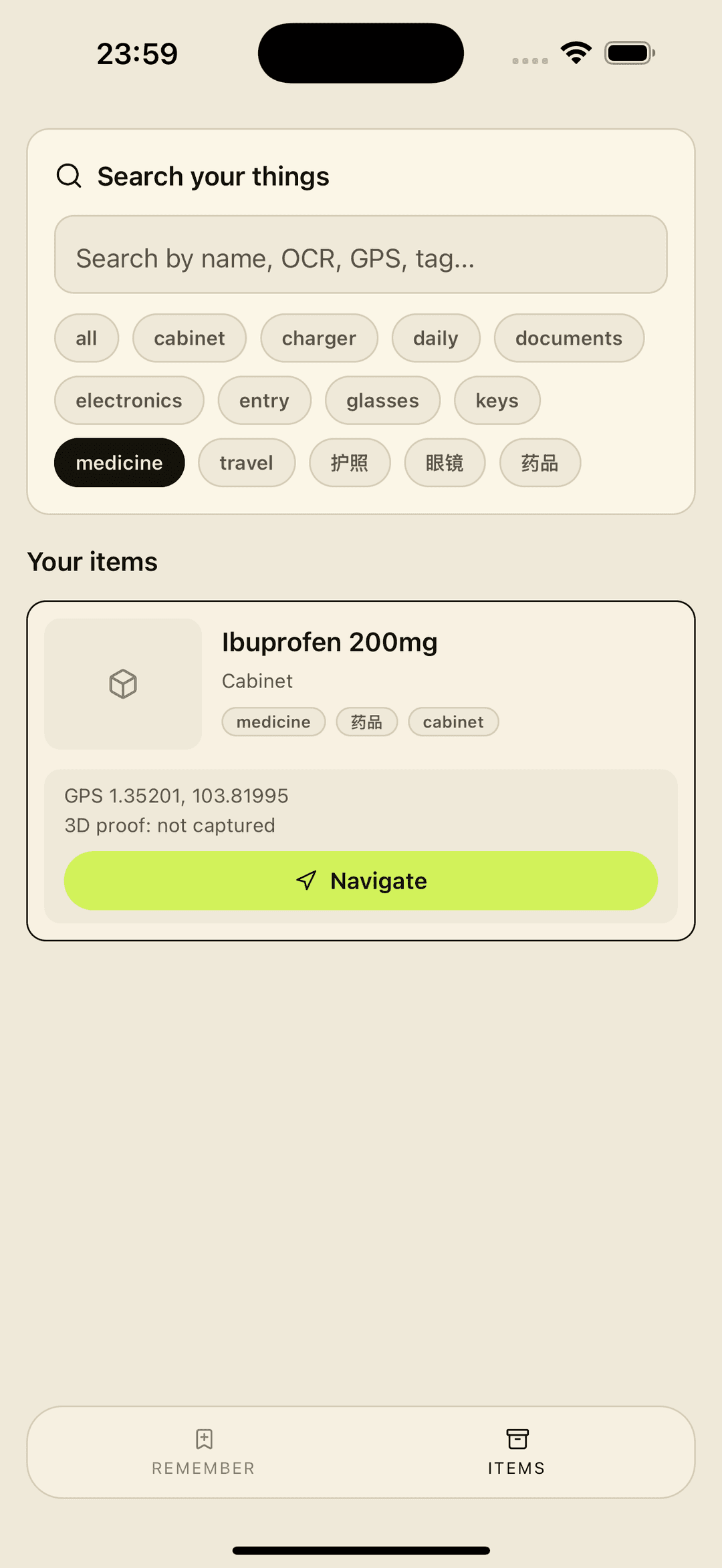
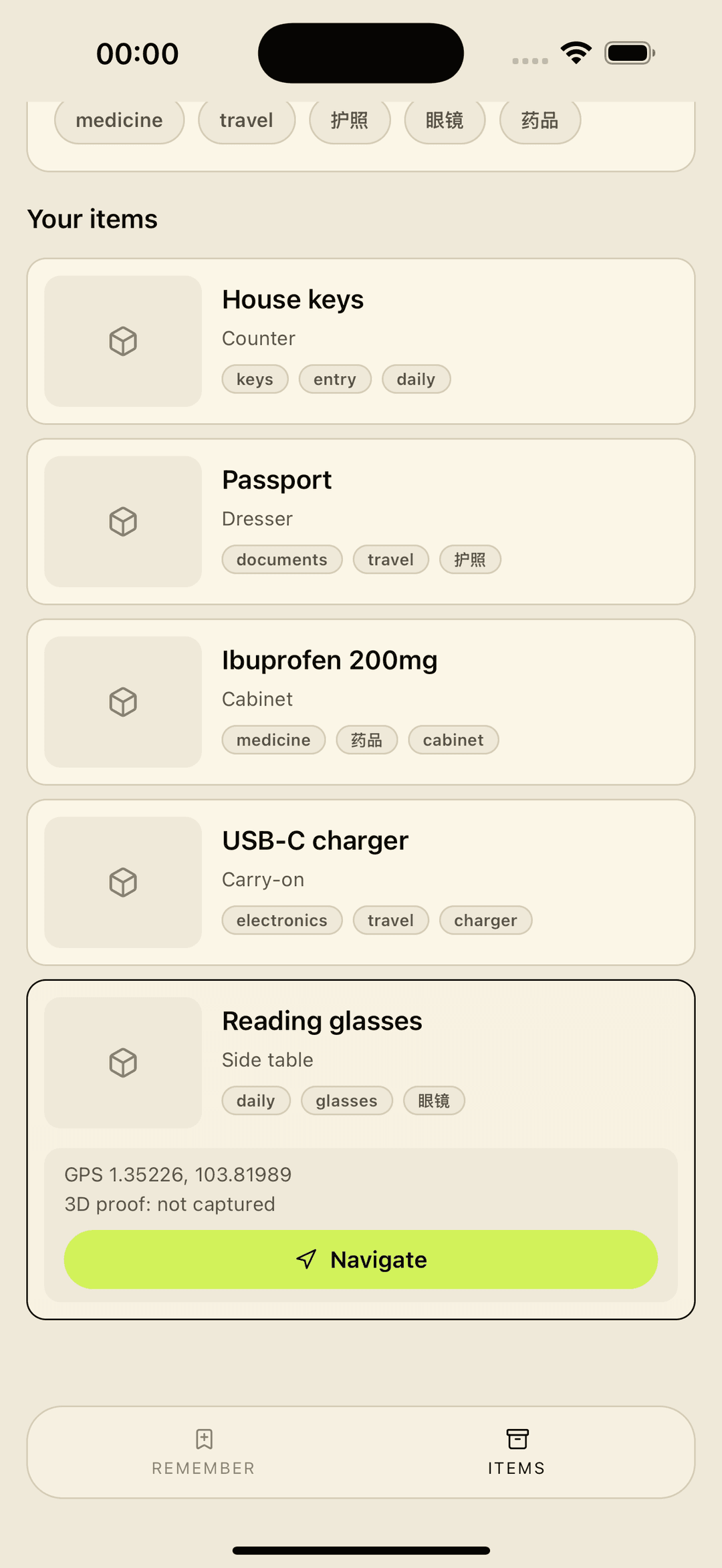
Found saves a photo of an item with its GPS coordinate, on-device Vision labels, and OCR text so you can later search by name, tag, or anything that was written on the object.
Features
Capture a photo, store it locally with GPS coordinates, timestamp, and accuracy.
On-device Vision labels and OCR text make every saved item searchable.
Tags, names, and last-place notes recall where each item was placed.
Optional Object Capture, AR overlays, UWB precision finding, and NFC tag reading on supported hardware.
Key questions
What is Found?
Found saves a photo of an item with its GPS coordinate, on-device Vision labels, and OCR text so you can later search by name, tag, or anything that was written on the object. Core workflow: Capture a photo, store it locally with GPS coordinates, timestamp, and accuracy.
Which platforms does Found support?
Found supports iOS, iPadOS.
How does Found handle data?
Found stores all photos, GPS coordinates, Vision labels, OCR text, tags, and last-place notes in the app's private sandbox on your device. No Found account exists, no cloud backend processes your item data, and Found does not upload your photos or item list anywhere. Standard iOS device backups may include this data depending on your device backup settings. Found does not sell your item data. The only data that leaves your device is what Google AdMob and its iOS SDKs need to render banner advertisements: this includes IDFA when you have granted the App Tracking Transparency permission, otherwise a non-personalized ad request is made without IDFA. AdMob may also receive coarse signals from the iOS system such as approximate location (derived from IP), device type, OS version, and SKAdNetwork attribution postbacks. Your photos, GPS coordinates, Vision labels, OCR text, item names, tags, and last-place notes are never sent to Google AdMob or to any other Found backend. Found has no analytics SDK and no crash reporting beyond what AdMob's SDK includes for ad delivery.